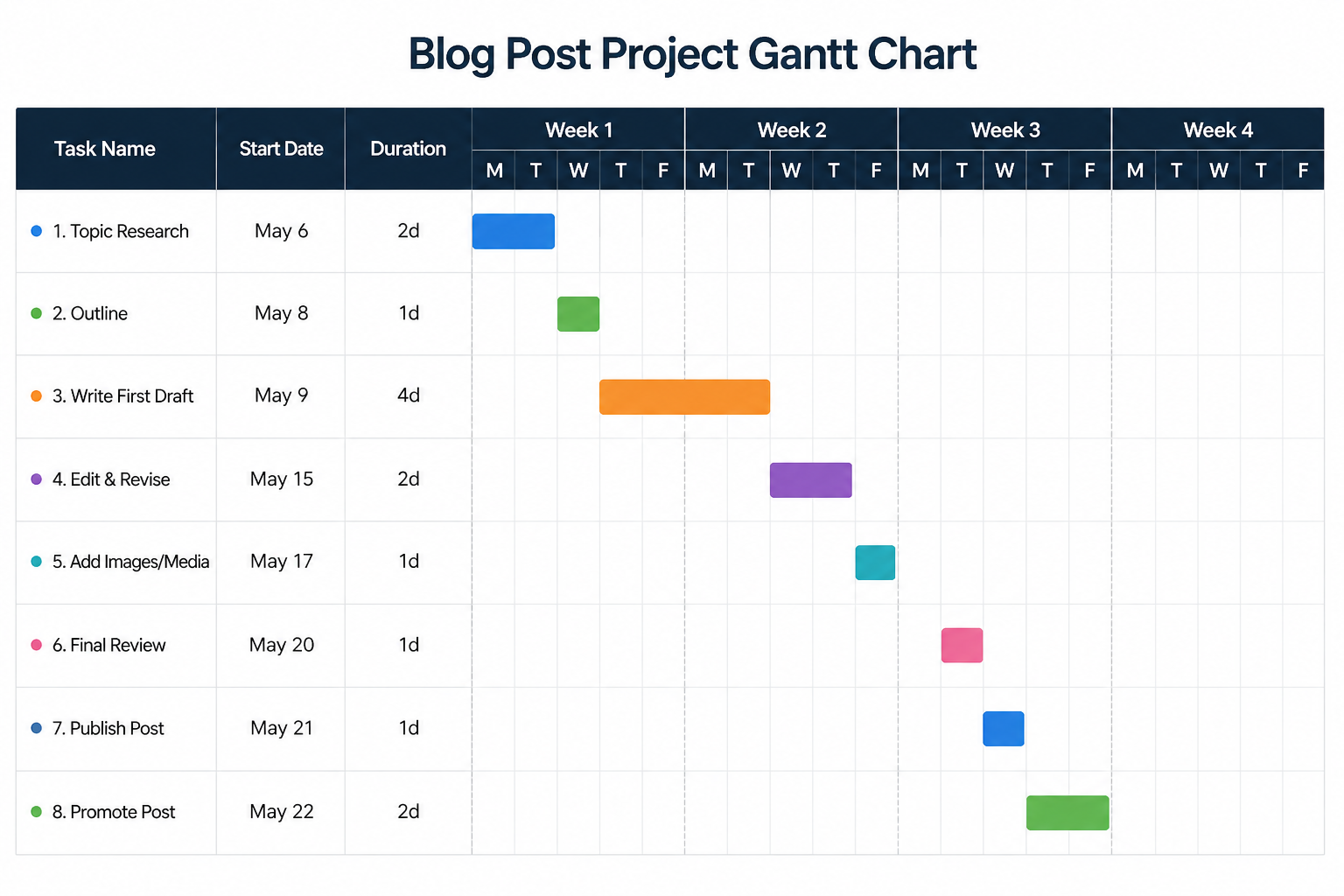

One way of highlighting tasks that are behind schedule (Finish Variance greater than 0 days) on a Microsoft Project Gantt Chart.
Tired of using Date Range filter for your lookahead in Microsoft Project or do you crave setting up a rolling date lookahead filter just like you would in Primavera P6?
The workaround in this tutorial is for Primavera P6 Users looking for ways to display a baseline % complete column in Microsoft Project. This workaround also shows how to roll-up summary tasks % complete.
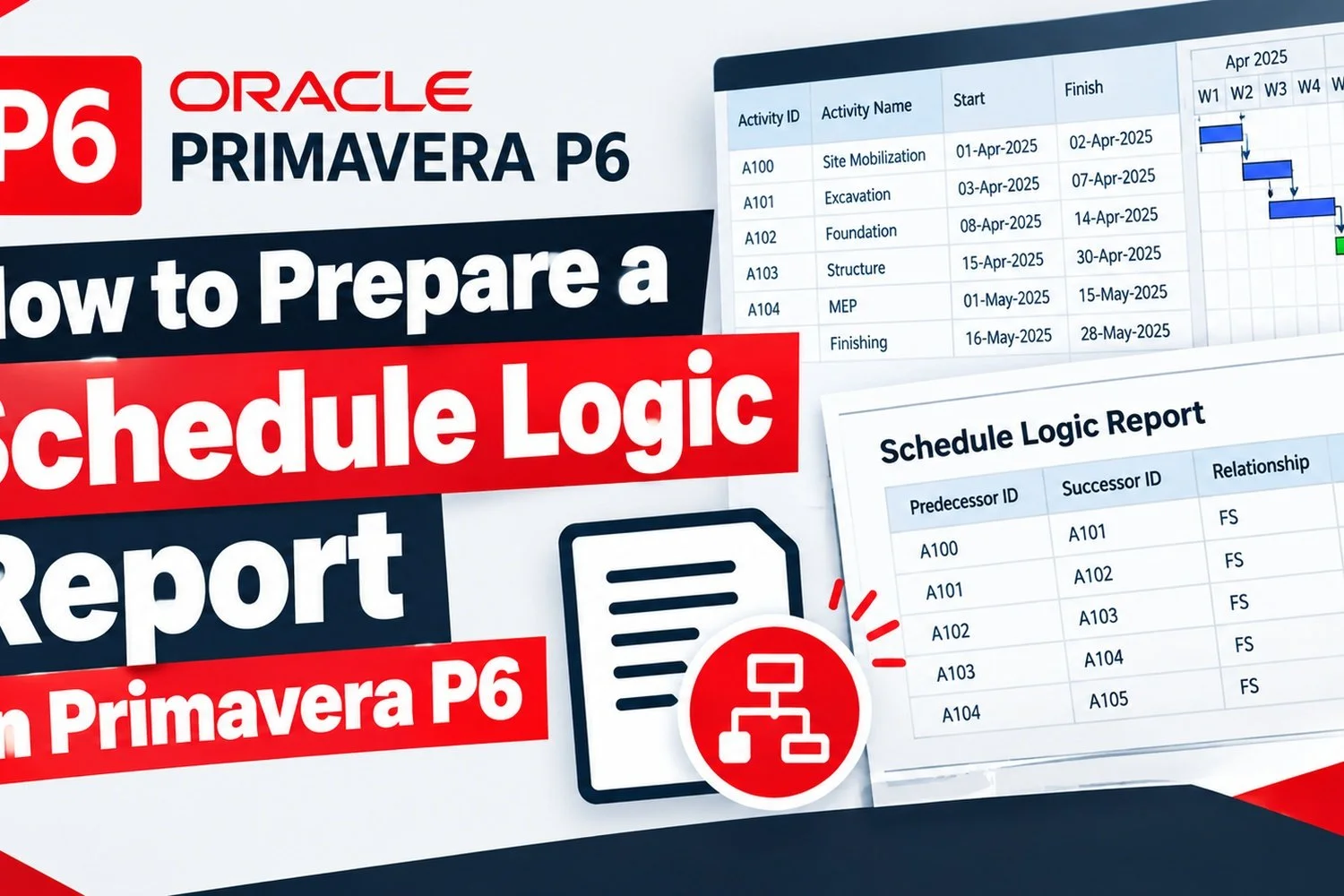
Is your project team struggling to follow the logic of your Primavera P6 schedule? Learn how to produce a schedule logic report that lists predecessors, their dates, relationship types, lags & driving status.
Do you want to show ordinal dates (e.g. day 1, day 2, week 1, week 2 or month 1 etc) instead of Start and Finish dates in a Microsoft Project schedule?
Featured Posts
Latest Microsoft Project How-To
Save time in Microsoft Project with a feature that lets you instantly jump to any task in your schedule, making it easier to review, edit, and navigate even the largest project schedules.
Are you looking for help with your Microsoft Project problems? Here is how to tap into the experience and knowledge of other users for free.
Latest Primavera P6 How-To
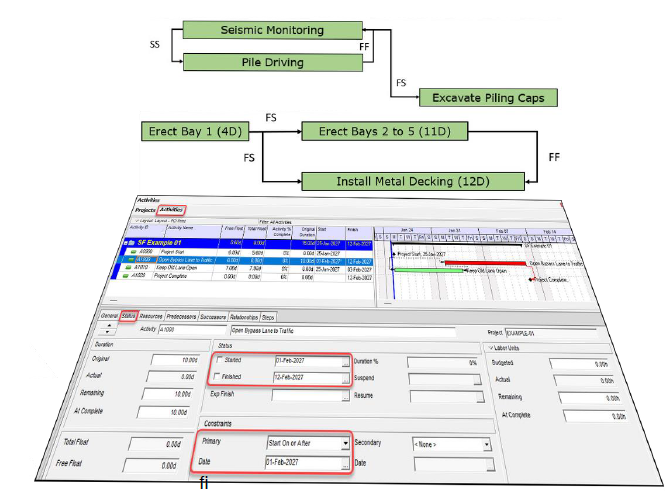
Did you know that using “Expected Finish” feature for in-progress activities turns these activities’ Free Float to zero (0), even when the successor activities are days or weeks away?
How do you zoom in Primavera P6 when presenting your schedule online during a Teams or Zoom call? Here is a workaround…
Paste or enter a 2 digit year (yy) date later than 2029 into Excel and you might notice that Excel converts it into a 19yy date instead of 20yy.
Latest Knowledge Base
Did you know that the four types of schedule relationships (finish-to-start, start-to-start, finish-to-finish, and start-to-finish) belong to either of two classes of schedule logic: mandatory or preference logic?
This article by Kareem Khattab, highlights how aligning resources, dependencies, procurement, and stakeholder input creates realistic, execution-ready schedules.
In this paper, Alex Lyaschenko discusses how Probabilistic Activity Drag extends traditional activity-drag analysis by incorporating schedule uncertainty and risk.
Poor planning causes project delays and inefficiencies and this paper outlines 10 common project planning mistakes and practical fixes for successful project delivery.
This article considers the contractual requirements regarding the most appropriate and accepted method of delay analysis in the commonly used Australian Standard General Conditions of Contract..
In this three-part blog posts, Richard J. Long details how project management experts play a critical role in resolving construction disputes on large Design-Build (D-B) and Engineering, Procurement, and Construction (EPC) projects.
This paper provides a comprehensive guide on time performance ratio (TPR) calculation and showcases its practical significance in schedule analysis and modeling.
Proven ways by Glen Palmer & Chris Carson to avoid claims due to resource planning in on a construction project
This must-read article delves into what the content of a good schedule basis and assumptions document for an EPC project should look like.
This paper highlights the importance of benchmarking project schedules for managing and validating projects. It introduces a framework for developing realistic schedules based on CPM techniques, considering estimated durations, required resources, and forecasted execution rates.
Latest Topics
2 YouTube videos from Microsoft Excel MVPs, Leila Gharani and Jon Acampora, might help planners and schedulers improve their efficiency in Microsoft Excel.
A recent LinkedIn article by Stephen Warhoe argues that compliance with AACE International guidance does not automatically make a delay analysis dependable or persuasive in disputes
Do you want to break into data centre construction projects planning? Here are some recommendations from a specialist recruiter
Is it time for a change from the school of thought that we need to monitor and control progress on project?
Does Earned Schedule really solve EVM's time management issues? How does it treat critical path etc.?
Did you know that using “Expected Finish” feature for in-progress activities turns these activities’ Free Float to zero (0), even when the successor activities are days or weeks away?